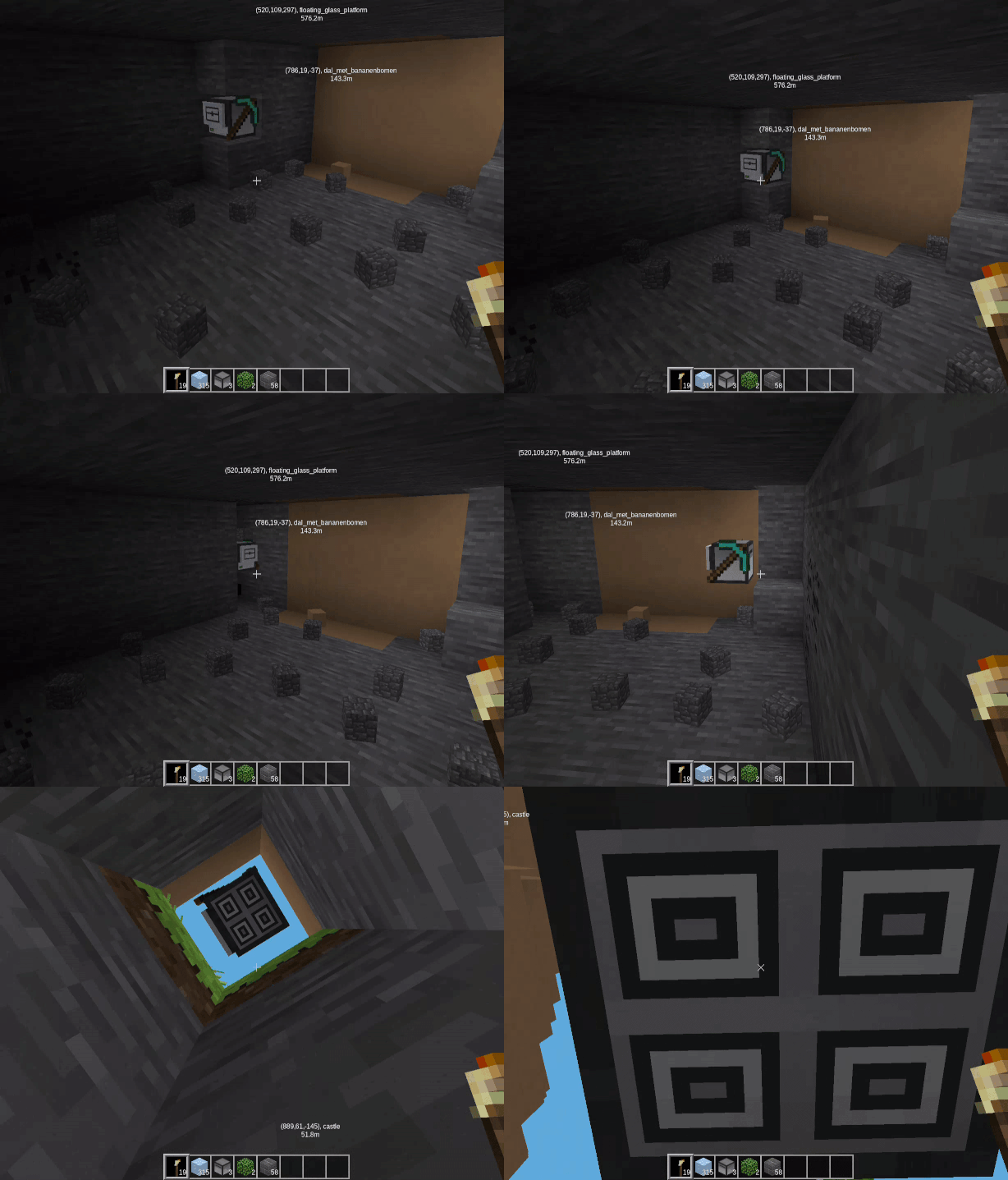
Digging for resources
We have big plans, including the construction of a pyramid, some castles as well as a sprawling labyrinth. But where are we going to find the stone to build with?
Looks down
Oh, right! What about all this stuff right below us? Remember how we nested two loops in the previous program? We could use two loops to dig a square of 6x6 in this pattern:
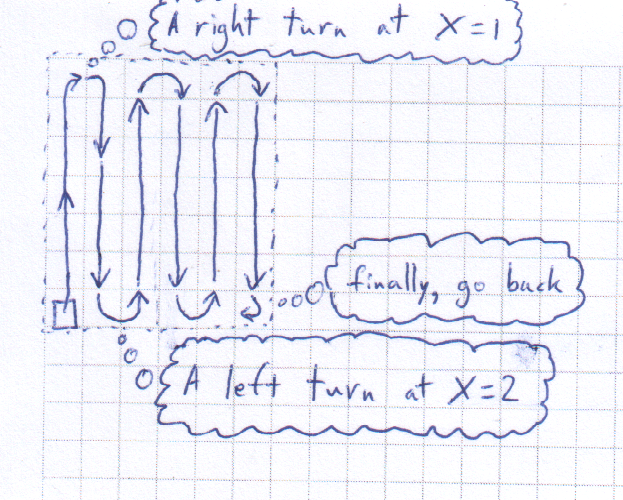
By the way, if you need some graph paper, you can print it from print-graph-paper.com; 5mm is fine for thinking out your projects alongside your code.
We’re going to build up a program called dig_for_stone.adb,
so create a new program with that name and follow along, starting with:
with Adabots;

procedure Dig_For_Stone is
   Bot : constant Adabots.Turtle := Adabots.Create_Turtle;
begin

end Dig_For_Stone;
To walk like in the drawing I showed above, we can do:
for X in 1 .. 6 loop
    for Y in 1 .. 6 loop
       bot.Forward;
    end loop;
    Turn (X);
    bot.Forward;
    Turn (X);
end loop;
Where Turn is defined above the begin line in such a way
that we turn right when is uneven, like on the first, third,
and fifth column, but we turn left on even lines (2, 4, 6).
This is done with mod 2, which gives the remainder after
dividing by 2. Similarly, you could use X mod 3 = 0 to do
something different on every third column.
procedure Turn (X : Natural) is
begin
    if X mod 2 = 1 then
        bot.Turn_Right;
    else
        bot.Turn_Left;
    end if;
end Turn;
So far, we have a program that snakes around like this:
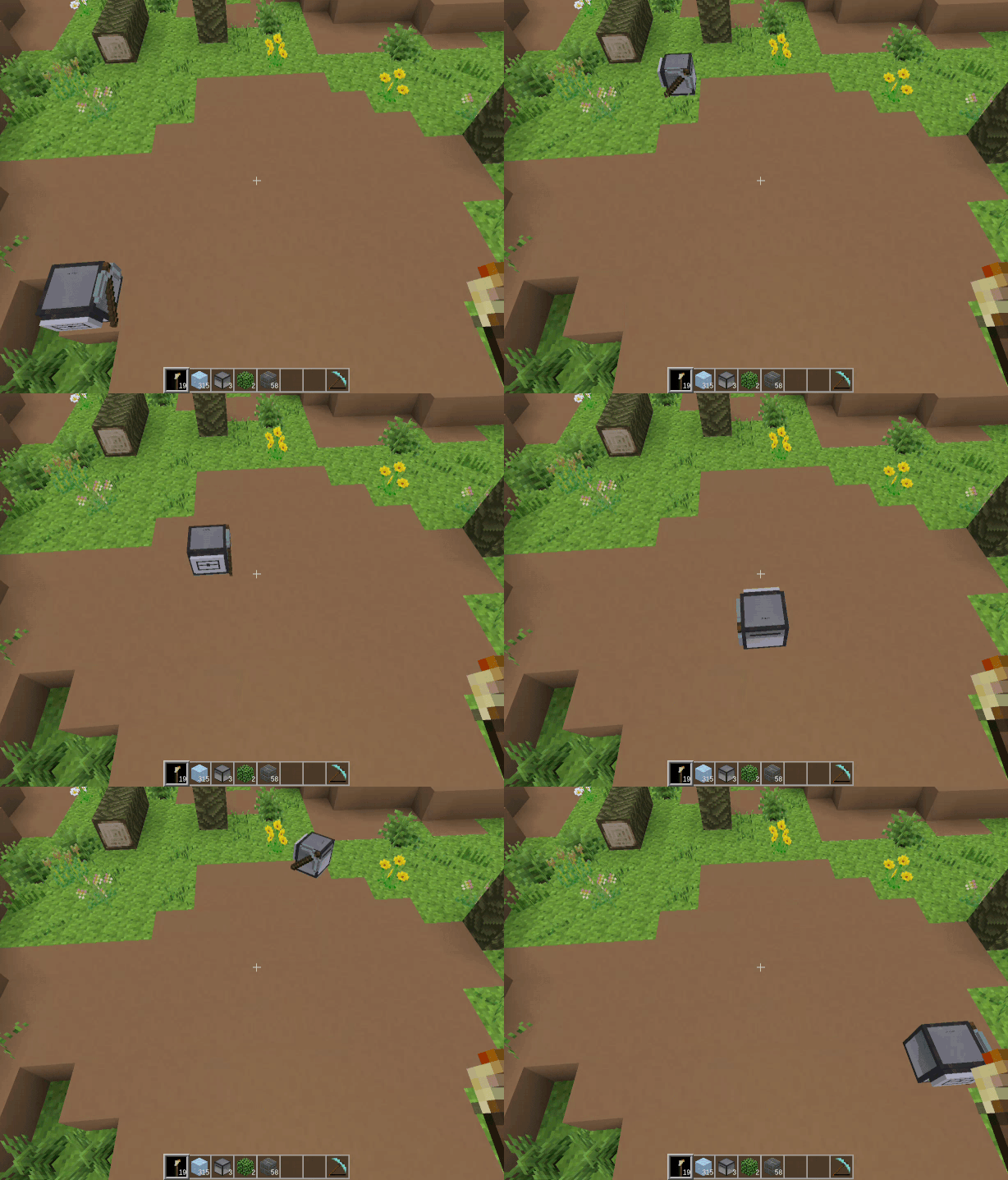
All we have to do now is replace the instruction Bot.Forward with “dig forward, move forward, then dig above and below”.
Since we are going to do those same instructions inside the
inner loop and also after the inner loop, between the calls
to the Turn procedure, we should define it as a procedure as
well, let’s call it Go:
procedure Go is
begin
    Bot.Maybe_Dig;
    Bot.Forward;
    Bot.Maybe_Dig_Up;
    Bot.Maybe_Dig_Down;
end Go;
Since we want to gather stone, let’s go down first:
procedure Go_Down is
begin
    for Height in 1 .. 8 loop
        Bot.Maybe_Dig_Down;
        Bot.Down;
    end loop;
end Go_Down;
Before we return to the surface, we need to turn left and walk back:
procedure Back_To_Hole is
begin
    bot.Turn_Left;
    for I in 1 .. 6 loop
        bot.Forward;
    end loop;
    bot.Turn_Right;
end Back_To_Hole;
Now, since Go_Up will need to return using
the same depth as in Go_Down, let’s use a constant defined before them, to keep them consistent:
Hole_Depth : constant := 5;

procedure Go_Down is
begin
    for Height in 1 .. Hole_Depth loop
        Bot.Maybe_Dig_Down;
        Bot.Down;
    end loop;
end Go_Down;

procedure Go_Up is
begin
    for Height in 1 .. Hole_Depth loop
        Bot.Up;
    end loop;
end Go_Up;
Putting it all together gives us this complete program:
with Adabots;

procedure Dig_For_Stone is
    Bot          : constant Adabots.Turtle := Adabots.Create_Turtle;
    To_The_Right : constant                := 6;

    procedure Turn (X : Natural) is
    begin
        if X mod 2 = 1 then
            Bot.Turn_Right;
        else
            Bot.Turn_Left;
        end if;
    end Turn;

    procedure Go is
    begin
        Bot.Maybe_Dig;
        Bot.Forward;
        Bot.Maybe_Dig_Up;
        Bot.Maybe_Dig_Down;
    end Go;

    procedure Back_To_Hole is
    begin
        Bot.Turn_Left;
        for I in 1 .. To_The_Right loop
            Bot.Forward;
        end loop;
        Bot.Turn_Right;
    end Back_To_Hole;

    Hole_Depth : constant := 5;

    procedure Go_Down is
    begin
        for Height in 1 .. Hole_Depth loop
            Bot.Maybe_Dig_Down;
            Bot.Down;
        end loop;
    end Go_Down;

    procedure Go_Up is
    begin
        for Height in 1 .. Hole_Depth loop
            Bot.Up;
        end loop;
    end Go_Up;
begin
    Go_Down;
    for X in 1 .. To_The_Right loop
        for Y in 1 .. 6 loop
            Go;
        end loop;
        Turn (X);
        Go;
        Turn (X);
    end loop;
    Back_To_Hole;
    Go_Up;
end Dig_For_Stone;

-- Press Control+Shift+B to build, then press Control+Shift+S to start.
-- Click in the terminal window below and press Control+C to cancel the program.
This seems to work:
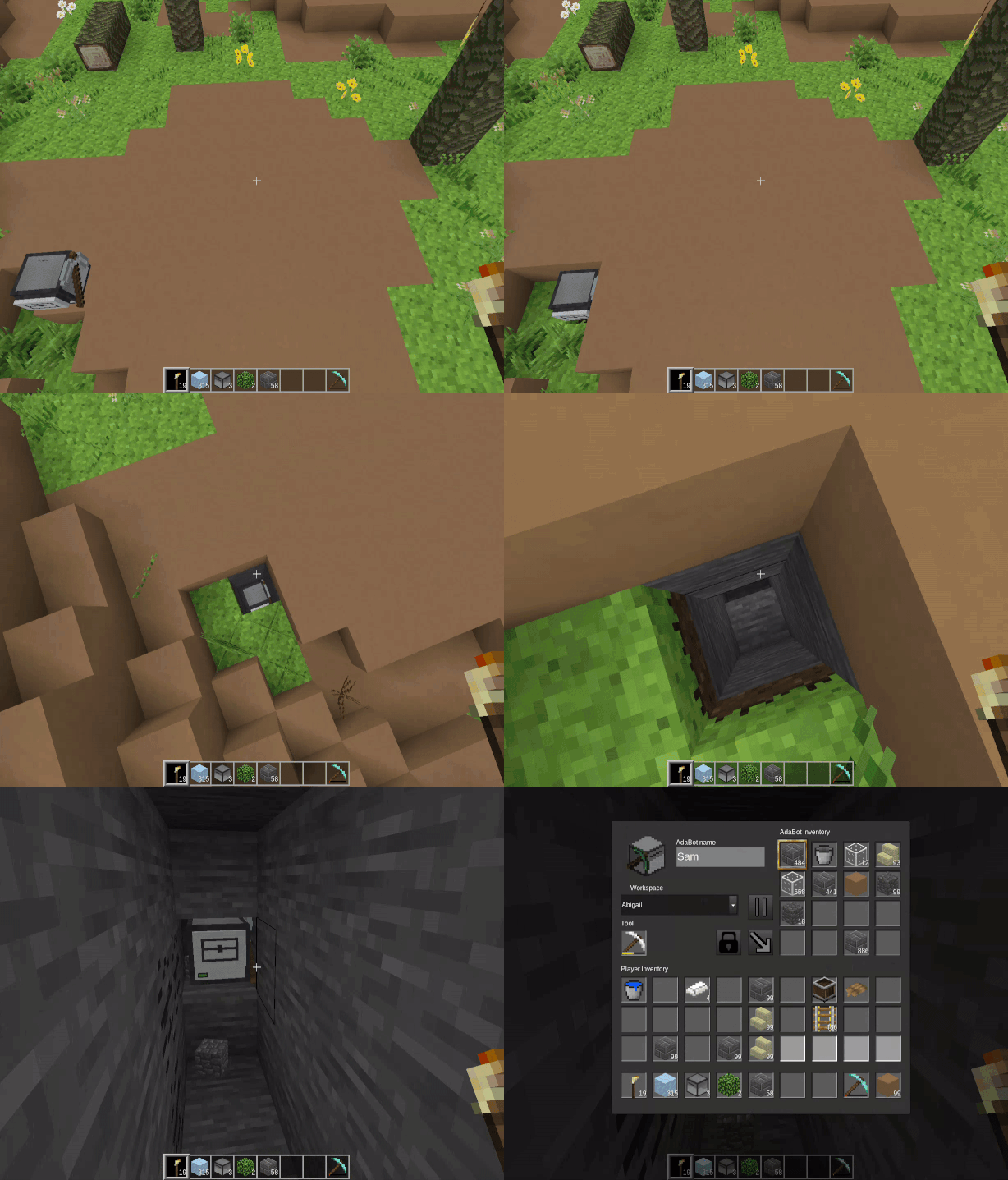
However, I had a problem when I ran this; My bot suddenly had no pickaxe, and the dig command gave an error. This is because the pickaxe initially given to the bot runs out after digging a while.
In the next tutorial, I will show you some things you can do using the admin account, such as giving yourself a new pickaxe. Using the bot control panel, I moved the bot back to the starting position and ran the program again to see the final steps work out: